
Most family command centers fail in about three weeks.
Not because the idea is wrong — because the thing on the wall was built to look good in a photograph rather than to answer the questions a household actually asks. A beautiful chalkboard with hand-lettered days is not a command center. It is a decoration that needs maintaining.
A command center is the answer to one question: where does the household look when it needs to know something? Get that right and it works whether it is a framed board or a bulldog clip on the fridge.
Why the pretty ones fail
Every abandoned command center I have read about fails the same way, and the arithmetic is brutal.
Say your board has a weekly meal plan, a chore chart, a family calendar, a habit tracker and an inspirational quote. That is five things. Four of them need rewriting weekly. If each takes six minutes, that is 24 minutes a week, 20 hours a year, spent transcribing information that already exists somewhere else.
Nobody sustains 20 hours a year of transcription. So the board goes stale, and a stale board is worse than no board — because now the household has learned not to trust it.
The rule that follows: a command center should hold the things that have no other home. Anything that lives in a phone, a school app or an email can stay there.
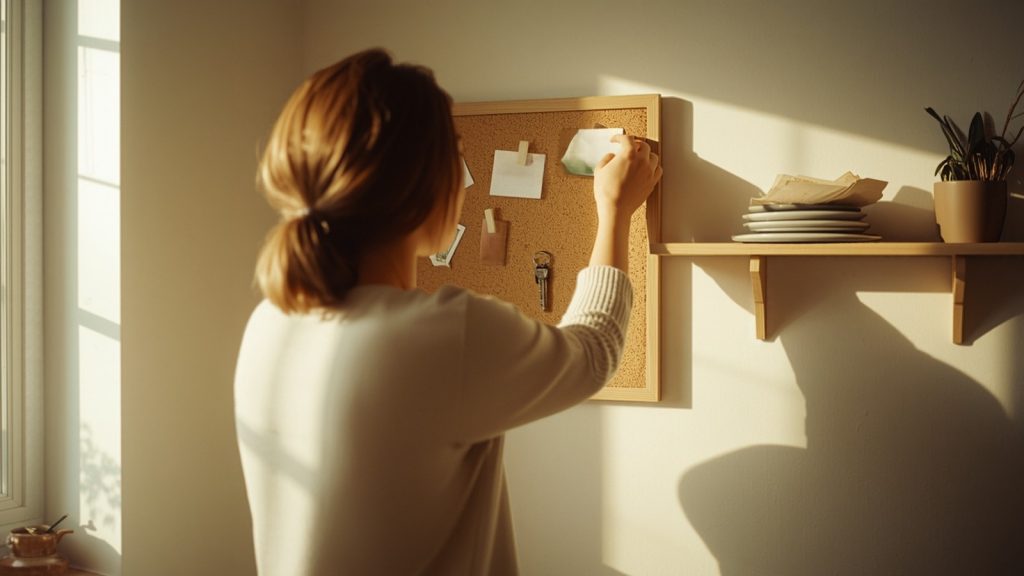
The five things worth putting up
These are the five that repeatedly earn their place, and roughly how often each actually needs touching.
| Zone | What it holds | Updated |
|---|---|---|
| This week | Only what leaves the house: appointments, pick-ups, who needs kit for what, anything unusual | Weekly |
| Landing strip | Keys, wallets, the library books, the thing that must go back to school tomorrow | Daily, by using it |
| Inbox | One tray for paper that needs a decision — forms, letters, the invitation | Weekly, emptied |
| The list | Running shopping list anyone can add to | Continuously |
| Reference | Numbers, the WiFi password, school term dates, emergency contacts | Twice a year |
Notice what is missing. No chore chart, no meal plan, no habit tracker. Not because those are bad ideas — because they are separate systems that need their own upkeep, and bolting them onto the command center is what kills it. Build this first. Add later, if the first version survives a month.

The thirty-minute build
You do not need to buy anything. The version that works is usually the one made from what is already in the house.
- Pick the spot, not the product. It has to be somewhere every adult walks past every single day, and it has to be at eye level. The inside of a cupboard door does not work, because nobody opens it on the way out.
- Put up the landing strip first. A hook, a bowl, a shelf, by the door people actually leave through. This one zone does more than the other four combined, because it is the only one that stops a morning going wrong.
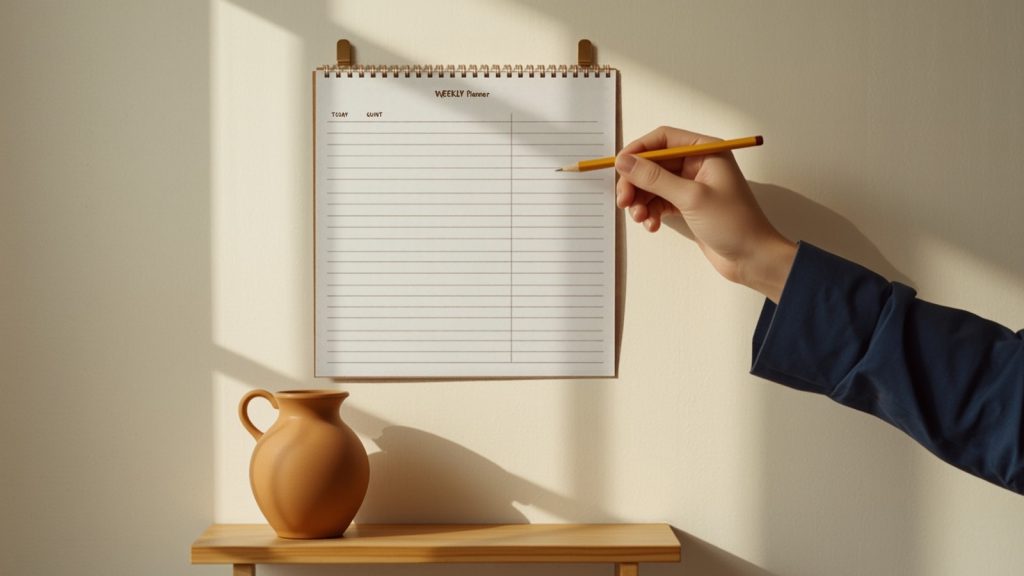
- Add one week’s view. Seven lines. Paper is fine. The point is that it shows only this week — a month view invites you to write things you will rewrite.
- One tray for paper. Everything undecided goes in. It gets emptied once a week, and that is the whole system.
- Write the reference card once. Laminate it, or just put it in a plastic sleeve. This is the part that will still be useful in three years.
That is the build. If it took more than thirty minutes, something on the board is doing a job that belongs somewhere else.

Paper or screen?
The honest answer is that it depends on one thing: whether everyone in the house has a phone.
A shared digital calendar is better at reminders, at recurring events, and at being in your pocket in the school car park. It is worse at being seen. Nobody glances at an app on the way past.
So the arrangement that survives in most households is both, with a clear division: the calendar app is the source of truth, and the wall shows the week’s exceptions. The wall is not a copy of the calendar. It is the short list of things that are different this week — the dentist, the non-uniform day, the parcel that needs collecting.
That division is what makes weekly upkeep take four minutes instead of twenty-four.
When it stops working
Command centers fail in recognizable ways, and each symptom has one likely cause.
| What you notice | What is actually wrong |
|---|---|
| The board is a week out of date | It holds something that is maintained elsewhere. Remove that zone. |
| Only one person ever updates it | It is in that person’s handwriting and their system. Let someone else own one zone completely. |
| Paper piles up beside the tray | The tray is full because nothing empties it. Put the weekly emptying in an existing routine, not a new one. |
| People still ask you what is happening | The board is not on the route they walk. Move it before you redesign it. |
| It looks great and nobody uses it | It was designed to be looked at. Strip it back to the five zones. |
The part nobody mentions
A command center makes the invisible work of a household visible. That is genuinely useful — and it is also the part that can sting, because once everything is on a wall it becomes obvious how much of it one person is carrying.
Seeing it does not redistribute it. A board cannot make anyone pick up the load, and treating it as though it will is how a practical tool turns into a source of resentment. What it does do is turn a vague feeling into a list you can point at, which is a much better starting position for a conversation than trying to remember everything you did last week.
Start with the landing strip. It is the one zone that pays for itself in the first week, and if nothing else ever gets built, a household where nobody is hunting for keys at 8:15 is already a calmer one.
This is one part of a larger system — see The Family Life OS for how the pieces fit together, or browse everything in Life Systems.